Catalyst Healthspan Audit
Personal trainers typically sell training sessions. This startup reversed the equation by building assessment first, mak...

Xtra Hands Family Chore App
Household chore management remains one of parenting's persistent friction points, and Xtra Hands positions itself as the...
Best Web browsers Startups & Tools
Browsers for interacting with websites and web apps, spanning privacy, multi-accounting, automation, and extensions.
Recently Listed
3 launches
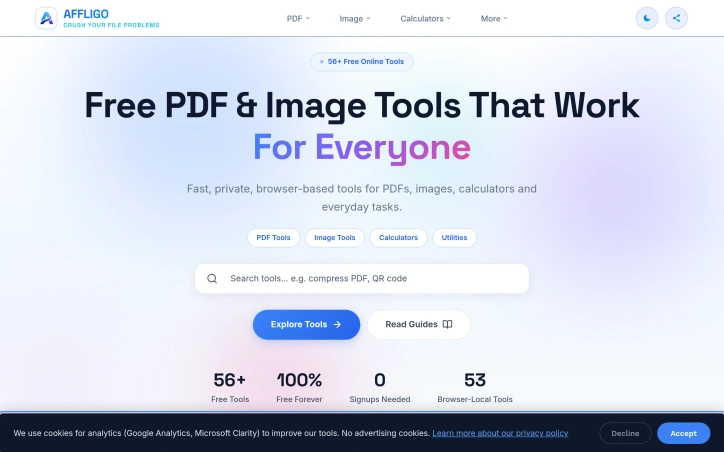
56+ free online tools for PDF editing, image conversion, calculators, and text utilities. No signup, no limits. Browser-based - files stay on your device.

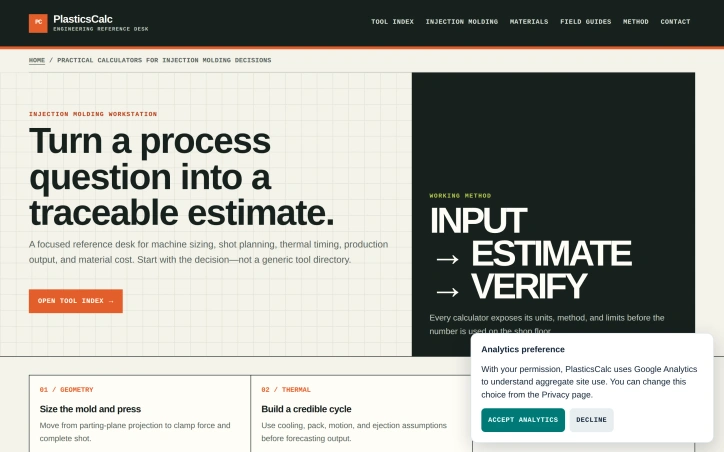
Injection molding engineers face a persistent challenge: converting design and process questions into reliable machine specifications and production forecasts before committing to expensive tooling and equipment. PlasticsCalc addresses this by providing a structured set of calculators that move engineers through three distinct phases—geometry sizing, thermal cycle planning, and economic validation—with methodology transparent at every step. The product serves a specific audience: manufacturing professionals responsible for mold design, machine selection, and production planning. Rather than presenting a generic calculator directory, PlasticsCalc anchors each tool to a concrete decision point. An engineer asking "What clamp tonnage do I need?" starts with parting-plane geometry and material assumptions, not a blank form. The workflow reflects actual injection molding constraints: cavity pressure, cooling time, uptime, scrap rates, and material handling all factor into the complete picture. What distinguishes the product is its commitment to transparency and traceability. Each calculator exposes its units, methodology, and computational limits before results leave the desktop. The interface is structured around record-keeping: a parting-plane record captures mold geometry and pressure basis; a shot and process record documents part mass and observed cycles; a production and cost record ties material consumption to utilization. This record-keeping focus signals that PlasticsCalc treats estimates as decision artifacts, not one-off calculations. The core toolset covers six areas: machine sizing via clamp tonnage and shot weight; process planning through cycle and cooling time; production output per hour; and material costs per part. Beyond these foundation tools, the platform supports expanded workflow checks including cold-runner accounting, machine screening across multiple constraints (clamp, injection unit, platen, tie-bar, mold height), and material planning that carries resin recovery policy and purchase packaging into the estimate. The strength lies not in computational novelty but in workflow structure. Injection molding sits at the intersection of geometry, thermal physics, and production economics; many engineers lack the confidence to bridge all three without external reference. By sequencing decisions and making assumptions explicit, PlasticsCalc reduces the risk of costly miscalculation and rework. Pricing and licensing details are not disclosed in available materials. The tool positions itself as a reference desk rather than a simulation suite, suggesting it targets practitioners who need quick, credible first-pass estimates rather than finite-element analysis or production simulation.

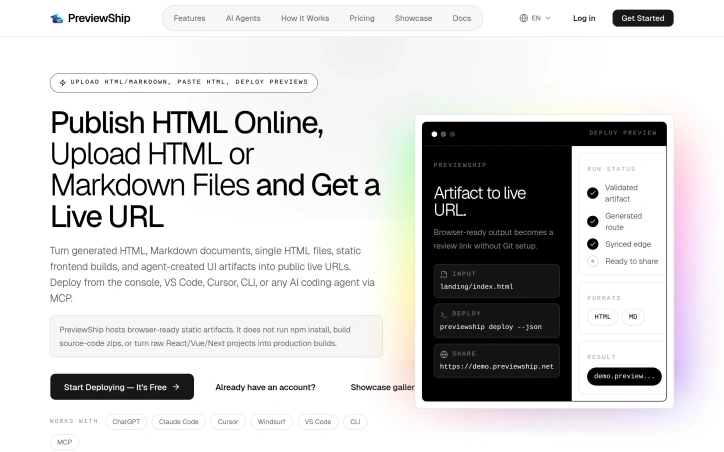
Developers and AI agents often generate HTML, Markdown, and static pages quickly, but sharing these results as a public URL can be a tedious process, typically requiring Git, CI, FTP, servers, or hosting setup. PreviewShip addresses this issue by providing a straightforward solution for instantly deploying and sharing these artifacts. The platform is designed for developers, teams, and AI agents who need to share their work without the hassle of configuring a deployment pipeline. What stands out about PreviewShip is its ability to simplify the deployment process by not requiring users to build source code or set up complex configurations. It directly hosts browser-ready static artifacts, making it an ideal solution for those who need to share AI-generated pages, landing page drafts, client previews, static prototypes, and quick experiments. The platform offers a range of capabilities, including the ability to upload or paste HTML, Markdown, or ZIP files and receive a public HTTPS preview link in seconds. It works seamlessly with various development tools and AI coding agents, including ChatGPT, Claude, Cursor, and VS Code, via CLI or MCP. Users can deploy from the console, VS Code, or CLI, making it a versatile tool that fits into different workflows. PreviewShip's simplicity is rooted in its clear rules regarding the types of files it supports. It directly publishes single HTML and Markdown files, while framework projects need to be built before being uploaded. This clarity reduces the likelihood of failed deployments, making the process smooth for users. By catering to different artifact-to-live-URL workflows, including paste HTML, upload a zip, or run a CLI, PreviewShip positions itself as a comprehensive solution. It is particularly suited for AI-generated HTML, Markdown documents, static build output, and editor deploys. The platform is free to start deploying, although specific pricing details are not provided. Overall, PreviewShip offers a valuable service that streamlines the process of sharing and collaborating on web development projects.